Smart IPTV USA: setup guide for Croatian TV channels

Can you watch live Croatian TV in the USA without a bulky set-top box or a costly cable plan?
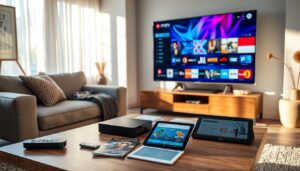
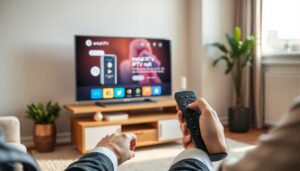
If you want Croatian TV in USA, IPTV brings local news, sport, and regional channels straight to your smart TV. Smart IPTV USA solutions stream live and on-demand content in HD and 4K. They use built-in apps on Samsung, LG, Android TV, and Amazon Fire devices.
Services like RiseIPTV show how flexible subscription packages can be. They let viewers pick channels and save money compared with traditional cable.
The Smart IPTV app follows a simple activation flow. A 7-day trial is available on many platforms. Then, a one-time fee (around 5.49 EUR for a lifetime license) is required. Activation happens via the siptv.eu workflow using your device MAC address.
Popular set-top boxes such as AVOV Box, MAG series, and Dreamlink use portal URLs or M3U playlists. They also use MAC-based activation to connect you to Croatian channels.
This guide focuses on a clear, device-specific IPTV setup USA path. It helps U.S. viewers unlock Croatian channels with smart iptv usa apps and compatible hardware. You’ll get step-by-step setup, optimization tips, and practical checks for legal and streaming reliability.
Key Takeaways
- Smart IPTV USA streams Croatian TV in the USA to smart TVs and popular STBs without extra cable boxes.
- Smart IPTV app is available on Samsung, LG, Android TV, and Fire devices with a trial then a one-time activation fee.
- Set-top boxes like AVOV, MAG, and Dreamlink use portal URLs or M3U playlists plus MAC activation.
- IPTV setup USA offers HD/4K streams, customizable packages, and potential cost savings over cable.
- This guide will show device-specific steps, optimization tips, and legal checks for reliable Croatian streaming.
Why choose IPTV to watch Croatian TV in the USA
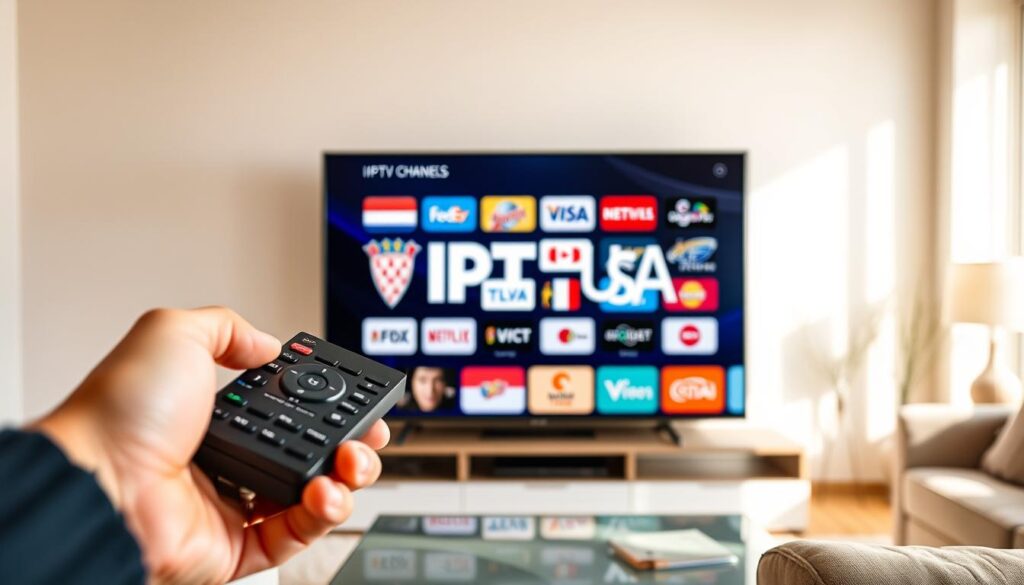
IPTV combines live TV, movies, and local channels into one app. It works on Samsung, LG, Android TV, and Fire TV. Features like voice control and syncing across devices make it easy to switch between channels.
Streaming quality with IPTV often surpasses traditional TV. Many providers offer HD and 4K, making sports and news look sharp. This high quality is a big plus for those who want a better viewing experience.
Adding Croatian channels in the USA is easy with IPTV. Apps accept M3U playlists or provider APIs. This lets you watch local news, talk shows, and live sports from home in the United States. It keeps expats and bilingual families connected to their home country.
Switching to IPTV can also save money. Subscription plans are flexible, allowing you to choose only the channels you want. Many households find their monthly bills go down and they have fewer long-term contracts.
Compatibility is key. Devices like AVOV Box, MAG, and Dreamlink work with many Croatian channel services. Providers often include EPG guides and category grouping to make finding content easy across devices.
Below is a quick comparison to highlight practical differences for viewers choosing between options.
| Feature | IPTV (Smart apps) | Traditional Cable |
|---|---|---|
| Channel Selection | Customizable playlists including Croatian channels USA and local feeds | Fixed bundles that may lack regional Croatian content |
| Streaming Quality | HD and 4K streams available from many providers | HD common; 4K limited and often premium |
| Device Support | Works on Samsung, LG, Android TV, Fire TV, AVOV, MAG, Dreamlink | Requires set-top box from provider |
| Cost Model | Flexible subscriptions and lower monthly fees; example providers offer tailored packages | Higher base fees with bundled channels and equipment rental |
| User Features | EPG, category grouping, multi-device sync, voice control via smart iptv usa apps | Basic program guides; limited cross-device features |
Understanding legal and compliance considerations for IPTV in the United States
Watching Croatian TV in the United States through IPTV raises legal and compliance questions. IPTV legality in the USA depends on licensing agreements between content owners and providers. Some platforms have full rights for live channels and sports. Others stream without permission, putting viewers at risk.
Legality depends on the provider’s licensing
Licensed IPTV services clearly state channel rights and offer transparent billing. They also name their content partners. Reviews from TechRadar and PCMag can confirm a service’s legitimacy. If a service lists official carriage for Croatian networks and sports feeds, it’s a good sign.
How to verify an IPTV service is legitimate
Ask the provider for written licensing details and look for clear customer support channels. Check reviews, company registration, and payment transparency to verify IPTV provider credentials. Make sure M3U playlists or portal URLs come from an authorized source, not an unknown uploader.
Risks of unlicensed streams and how to avoid them
Using unlicensed streams can lead to shutdowns, blocked accounts, or legal issues. Device activations, like MAC registrations on set-top boxes, do not make pirated content legal. The safest option is to subscribe only to recognized, licensed IPTV vendors that publish rights and contact details.
| Checkpoint | What to look for | Why it matters |
|---|---|---|
| Licensing statement | Written proof of channel rights or partner agreements | Confirms licensed IPTV and reduces copyright risk |
| Transparent billing | Clear pricing, refund policy, and business address | Signals a legitimate operator and customer protection |
| Independent reviews | Coverage from TechRadar, PCMag, or trusted user forums | Third-party validation helps verify IPTV provider claims |
| Support channels | Responsive email, phone, or chat support | Shows professionalism and helps resolve compliance questions |
| Source of streams | Provider-owned portals or official M3U links, not random uploads | Ensures content comes from licensed sources for smart iptv usa setups |
Choosing the right Croatian IPTV service and subscription options
When picking a Croatian IPTV service in the United States, focus on quality, compatibility, and support. Make sure providers give clear details on streams, channels, and activation. A good choice should make setup quick and keep live TV running smoothly.
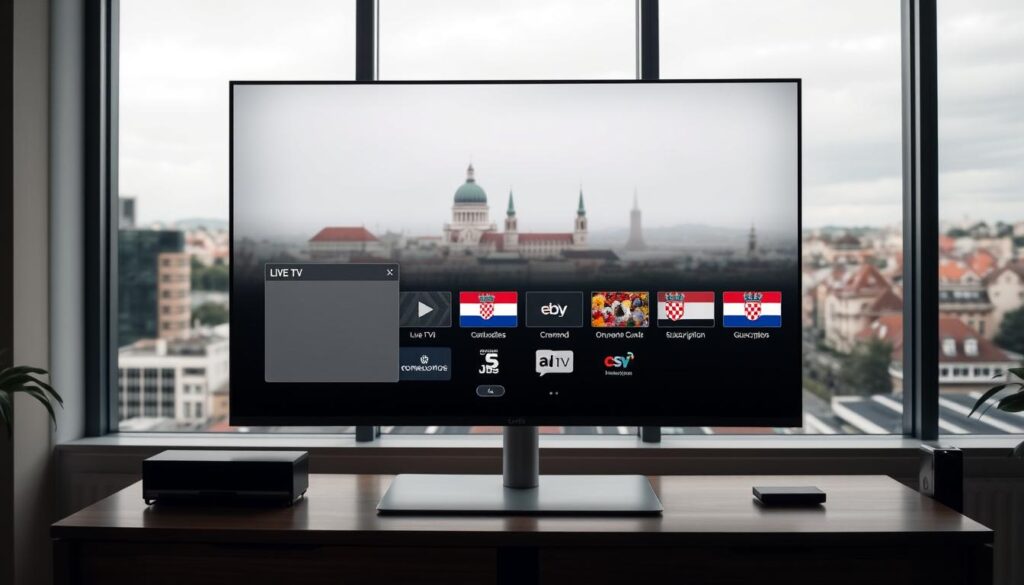
What to look for: HD/4K streams, channel lineup, and EPG
First, check the picture quality. Look for HD 4K IPTV to enjoy sports and dramas in high definition.
Next, check the channel lineup. It should include national and regional Croatian broadcasters, plus international news and sports. A good IPTV EPG makes it easy to find what you want and keeps schedules up to date.
Provider compatibility with smart TV apps and set-top boxes
Make sure the provider works with your devices. They should offer M3U playlist URLs or API credentials for apps like TiviMate, IPTV Smarters, GSE Smart IPTV, and Smart IPTV USA.
For set-top boxes like AVOV, MAG, or Dreamlink, check if they support portal URL delivery and MAC activation. Clear instructions help avoid mistakes and make setup faster.
Recommended features: multi-device support, customer service, uptime
Choose plans that let you stream on multiple devices at once. This is great for families. Reliable uptime and quick customer service are crucial, especially for live events.
Look for trials or money-back guarantees to test the service. Good customer support and clear activation emails make the experience better for everyone.
Smart IPTV USA

The Smart IPTV app is easy to use and works on many devices. It’s popular for watching Croatian channels in the United States. You can add M3U playlists or use API credentials.
The app is great for beginners and experts. It has fast channel switching, easy favorites, and clear category management.
Overview of the app and platform
Smart IPTV supports importing playlists and showing EPG. You can browse program guides and save channels. It separates the player purchase from the content subscription.
This means the developer handles app activation. Your IPTV provider gives the playlist or portal link and login details.
Supported devices
The platform works on Samsung and LG smart TVs, Android TV boxes, and Amazon Fire TV devices. It also runs on many Android phones and tablets. This makes it easy to switch hardware when you upgrade or add a streaming stick.
Pricing model and activation notes
Smart IPTV USA users get a trial period on many devices. Then, there’s a one-time activation fee for long-term use. The app often offers a seven-day free trial, followed by a lifetime license for a small fee, usually in euros.
For Smart IPTV activation, you must register the app on the developer site. Use your device MAC address in capital letters when adding playlists.
Remember, the app purchase doesn’t include channel subscriptions. You’ll need to budget for the activation fee and your Croatian channel provider’s subscription. This way, costs are clear, and you can move playlists between devices after activation.
Step-by-step setup for Smart TV apps (Samsung, LG, Android TV)
Getting Croatian channels on your smart TV is easy. This guide will show you how to install an IPTV app, set up M3U or provider API, and organize channels. You’ll learn how to use common apps and stores for a smooth viewing experience.
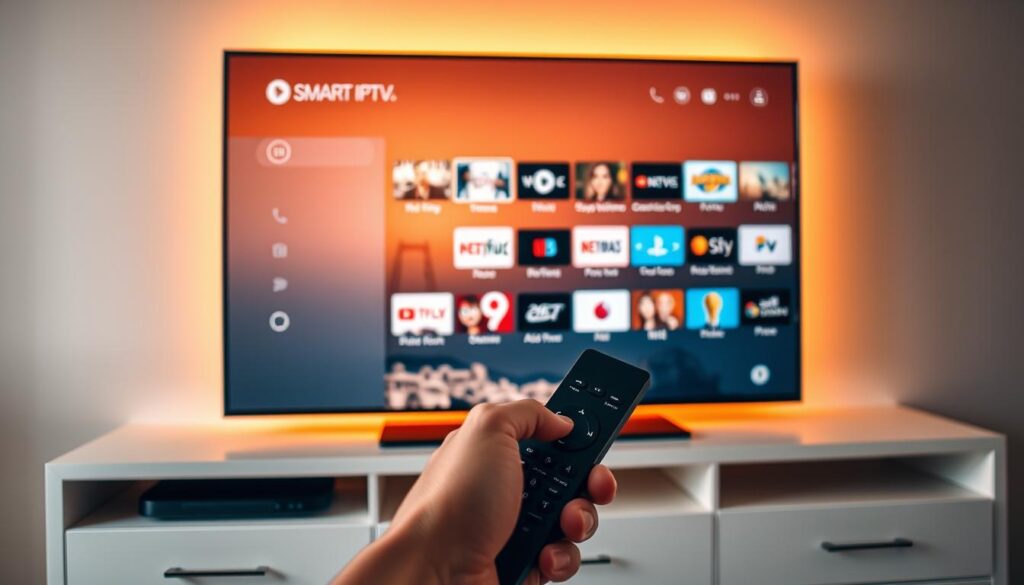
Installing an IPTV app from your TV store
On Android TV, open Google Play and search for apps like TiviMate, IPTV Smarters, or GSE Smart IPTV. On Samsung, use the Smart Hub to find Smart IPTV or similar clients. For IPTV on LG TV, look in the LG Content Store for Smart IPTV, OTT Player, or other supported apps.
When you install, accept permissions and sign in if the app requires a vendor account. Remember your TV model and firmware when choosing an app. Some apps are only available in certain regions or for specific OS versions. If you need to install IPTV app Samsung models, use the Smart Hub search to find the app quickly.
Configuring the app with M3U playlist or provider API credentials
Open the app and choose Add Playlist, Add URL, or Sign In depending on the client. Paste the M3U playlist link from your provider into the URL field. For services that use API credentials, enter the username and password in the API or login area instead of an M3U link.
For Smart IPTV USA users, note the app’s MAC address if required. Enter the MAC in uppercase on the provider’s portal when asked, then paste the M3U link and complete any CAPTCHA prompts. Restart the app so the channels and EPG populate correctly.
Tips for organizing Croatian channels into categories and favorites
Group channels by genre to simplify navigation. Create folders or playlists for news, sports, national, and regional stations. Most apps let you drag channels or assign categories from the channel settings screen.
Use the favorites feature to save the channels you watch most. If the app supports EPG, sync it so program details show in each category. Regularly clean and rename playlists for clarity when you add new links during M3U setup or provider updates.
| Task | Samsung (Smart Hub) | LG (Content Store) | Android TV (Google Play) |
|---|---|---|---|
| Find app | Search for Smart IPTV or IPTV Smarters | Search for Smart IPTV or OTT Player | Search for TiviMate, IPTV Smarters, or GSE |
| Install | Click Install and accept permissions | Select Install and allow app access | Tap Install and open app |
| Load playlist | Enter M3U URL or note MAC for web activation | Paste M3U link or log in with API credentials | Use Add Playlist and paste M3U URL |
| Activation step | Use MAC address on provider portal when required | Enter credentials or M3U link in app settings | Restart app after M3U setup to load EPG |
| Organize channels | Create categories and mark favorites | Group by news, sports, regional, national | Use folder and favorites features for quick access |
| Notes | If install IPTV app Samsung fails, check firmware | IPTV on LG TV may require an approved app version | M3U setup works across most Android clients |
Device-specific activation guides for popular IPTV devices
This section covers how to activate common set-top boxes and smart TV apps. Just follow the easy steps to register your device, share its MAC with your provider, and add the portal or playlist. This way, channels will load correctly.
Smart IPTV on Samsung and LG
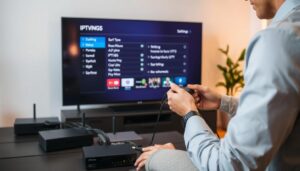
First, download the Smart IPTV app from your TV’s store. Open it and find the device MAC in the app menu. Copy this MAC in capital letters and go to the Smart IPTV activation page your provider suggests.
Paste your M3U playlist or provider link, complete the CAPTCHA, choose your country, and click Add Link. Close and reopen the app to see channels. If channels don’t show, reset the playlist on the Smart IPTV web page and enter the MAC details again.
AVOV Box with TVONLINE™
Open Market on the AVOV Box and install TVONLINE™. Launch TVONLINE™ and open Server settings. Find the MAC address starting with 00:1A:79 at the top right and share it with your IPTV provider.
Create a server named iptvsubscription and paste the portal URL from your provider. Click Connect and wait for the provider to activate the MAC; some users get an activation email. If TVONLINE™ doesn’t work, try the AVOV Web App as an alternative for AVOV TVONLINE setup.
MAG 250/254/256 models
Power on the MAG box and find the MAC address starting with 00:1A:79 on the sticker or in system info. Send that MAC to your IPTV vendor. Plug the MAG into your TV and router, preferably by Ethernet.
In System Settings, set Network to AUTO (DHCP) and enable Auto Update Software. Set NTP server to pool.ntp.org for accurate time. Go to Servers > Portals and enter a Portal name plus the MAG portal URL provided by the service. Reboot the portal and wait for channel lists to populate; confirm the MAG portal URL and MAC with the provider if access is blocked.
Dreamlink T1, T1+, T6
Let the Dreamlink box complete its initial updates. On the DOL main screen locate the MAC address and send it to your provider. The provider will reply with a portal URL.
From the DOL interface go to Settings, press the green button to Edit, set the portal name for example iptvsubscription, paste the portal URL, save, and reboot. After the device reboots, the channels should appear if Dreamlink setup and MAC activation were handled correctly.
For all devices, keep firmware and apps up to date and use a wired connection when possible. These steps work across many providers and make smart iptv usa services easier to manage from setup to daily use.
Optimizing your streaming experience for Croatian channels
Watching Croatian TV with Smart IPTV USA can be smooth with the right settings. Adjusting speed, connections, and privacy tools helps. This keeps live sports and news running smoothly.
Recommended internet speeds for HD and 4K streaming
For HD streaming, aim for at least 10 Mbps of IPTV internet speed. For 4K, target 25 Mbps or more. If many devices stream at once, add extra bandwidth for each.
Use of wired Ethernet vs. Wi-Fi and reducing buffering
Wired Ethernet offers the most stable connection and reduces buffering. If using Wi-Fi, choose the 5 GHz band. Place the router near the set and limit heavy downloads.
Clear app cache on Smart TV apps and keep firmware updated. Proper portal or M3U setup and activated MAC addresses lower errors and missed channels.
Using a VPN to improve privacy and handle geo-restrictions
Using a VPN for IPTV protects your privacy and avoids ISP throttling. Choose a reputable provider known for streaming performance. Note that a VPN may add latency, so test speeds and run it on a router or device when supported for best results.
Apply these tips with smart iptv usa setups to reduce IPTV buffering. This keeps steady streams of Croatian channels across devices.
Troubleshooting common issues when streaming Croatian IPTV
If your stream stutters or channels won’t load, stay calm. Here are quick fixes for buffering, playback errors, and playlist problems. This way, you can enjoy Croatian news and sports from the USA again.
Fixing buffering, lag, and poor playback
First, reduce the number of devices on your network. Close apps on phones, tablets, and computers that use bandwidth.
Clear the IPTV app cache on your smart TV or set-top box. If possible, switch from Wi‑Fi to Ethernet. Run a speed test to ensure your connection supports HD or 4K.
Restart your router and check for firmware updates from brands like Netgear, ASUS, or TP-Link. Keeping your network gear updated helps stability and reduces jitter during live Croatian channels.
What to do when channels won’t load
Double-check the M3U link or API credentials from your IPTV supplier. A typo or expired credential can prevent channels from loading.
Make sure the provider’s servers are working. Look for app updates from Smart IPTV or your chosen client and install the latest version. Outdated software can block channel lists.
Resetting playlists and reactivating Smart IPTV or portal settings
If Smart IPTV shows no channels, go back to the provider’s playlist management page. Use the Reset Playlist option. Enter the device MAC address in uppercase, complete the CAPTCHA, and click Reset. Close and reopen the app to reload the list.
For STBs like AVOV Box, MAG, or Dreamlink, check the portal URL matches the one your provider sent. Ensure the MAC address you gave the provider is correct. Enable auto‑update on MAG boxes and reboot the portal or device after any change.
If a MAC appears blocked, wait for the provider’s activation email or contact their support. Keep a note of activation steps and timestamps. This helps support resolve issues faster during any IPTV troubleshooting.
Conclusion
This IPTV guide shows that Smart IPTV USA is easy and affordable for watching Croatian TV in the United States. Choose a trusted provider, install the app on your device, and follow the activation steps. This will give you a smooth setup for Croatian TV in the USA.
Remember, Smart IPTV app activation is different from your content subscription. Smart IPTV USA uses MAC-based activation through the official portal. For devices like AVOV, MAG, and Dreamlink, enter the portal URL and follow the provider’s MAC activation steps. This will make channels work reliably.
Make sure your provider is licensed and legitimate. Use wired Ethernet and fast internet to avoid buffering. Also, consider a VPN for privacy and to access geo-blocked content. Use the troubleshooting tips in this guide to fix playback issues and keep Croatian channels working well in the USA.