IPTV vs. VPN – best way to watch Croatian TV abroad

Can you really watch every Croatian channel from anywhere in the world without breaking the rules?
This article compares IPTV vs. VPN to help you decide the best way to watch Croatian TV abroad. Broadcasters like HRT, Nova TV, and RTL often block streams outside Croatia. This is due to geo-restrictions and regional licensing. Two common technical workarounds are IPTV services and Virtual Private Networks (VPNs).
IPTV can deliver direct channel streams or package-style access that feels like cable over the internet. A VPN changes your IP address, encrypts your traffic, and unblocks region-locked services. It also adds a privacy layer. Each approach has clear strengths depending on whether you prioritize simplicity, reliability, or legal safety.
Top VPN brands known to work with Croatian content include NordVPN, Surfshark, ExpressVPN, CyberGhost, IPVanish, and PrivateVPN. These providers offer Croatian servers and features like 256-bit AES encryption, a kill switch, DNS leak protection, no-logs policies, and money-back guarantees.
This introduction sets the scope: we’ll cover technical setup, legal and ethical considerations, best VPNs and settings, SmartDNS and router options, and when combining IPTV and VPN makes sense. Read on to get a practical, balanced IPTV vs. VPN comparison and find the best way to watch Croatian TV while traveling or living abroad.
Key Takeaways
- Geo-restrictions often block HRT, Nova TV, and RTL for viewers outside Croatia.
- IPTV delivers direct channel streams; VPNs unblock services and protect privacy.
- Top VPNs for Croatian TV include NordVPN, Surfshark, and ExpressVPN.
- Expect features like 256-bit AES encryption, kill switch, and no-logs policies.
- The right choice depends on legality, convenience, and streaming quality needs.
Why watching Croatian TV abroad is a challenge
At first, watching Croatian TV from abroad seems easy. But, rights deals, network rules, and device issues make it hard. This guide explains the main problems travelers and expats face when trying to watch home TV while abroad.

Geo-restrictions come from licensing deals. Networks license shows and sports to specific areas. So, a live stream that works in Zagreb might block viewers overseas. Major Croatian broadcasters like HRT, Nova TV, and RTL often limit live feeds and catch-up services to IP addresses in Croatia.
Streaming platforms add another layer. Services like Netflix and Amazon Prime use separate catalogs per country. Viewers often compare iptv vs. vpn when deciding whether to use a provider that offers Croatian channels or a VPN that spoofs location to reach blocked catalogs.
Travelers and expatriates have different needs. Tourists want local news and sports updates. Business travelers may need access to home banking and local TV for quick information. Expats look for long-term ways to watch shows, local leagues, and cultural programming from Croatian broadcasters abroad.
Devices matter in real situations. People watch on hotel smart TVs, laptops, phones, and streaming boxes like Amazon Fire TV or Android TV. Each device may react differently to geo-blocks and regional licensing Croatian TV can complicate playback on some apps.
Legal and regulatory issues are important to consider. Using a VPN is legal in most places, including Croatia and the United States, but bypassing geo-blocking might violate a service’s terms of use. That risk usually leads to account warnings or suspensions rather than criminal penalties.
Some countries restrict VPNs. China, Russia, and a few others require approved providers or ban unauthorized VPNs. Travelers should check local rules before relying on a tool to reach Croatian broadcasters abroad.
Distinguish between legal exposure and contractual risk. The legal risk of streaming Croatian content from abroad is generally low. Contract terms from broadcasters and platforms pose a higher chance of service disruption if geo-blocking Croatia protections are bypassed.
What is IPTV and how it works for Croatian TV
Many readers wonder about IPTV and Croatian TV abroad. IPTV means Internet Protocol Television. It sends live and on-demand video over the internet, not through satellite or cable. It’s great for those who want Croatian HRT channels, local stations, and sports.
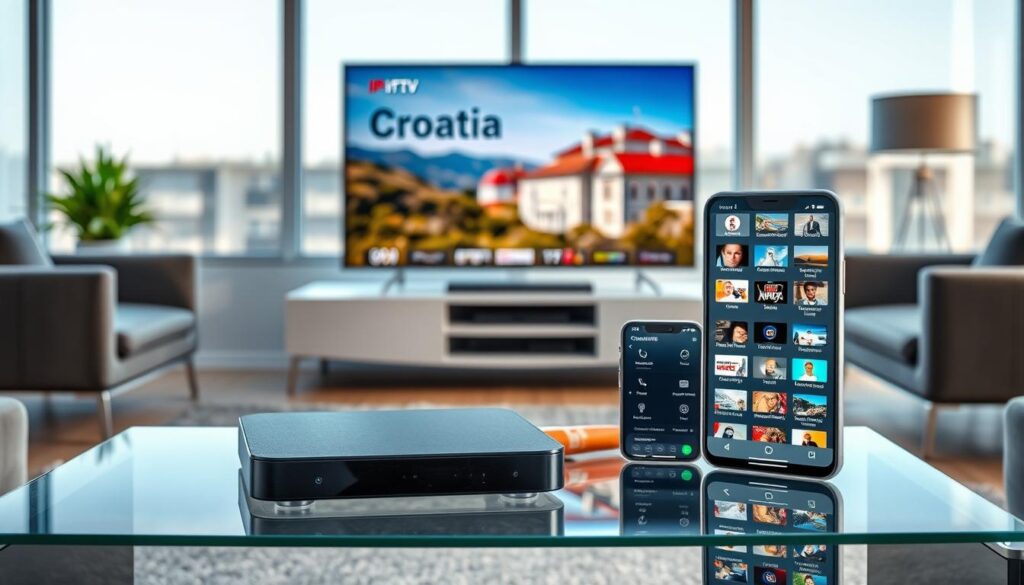
Setting it up is easy. A licensed provider gives you an app for Samsung, LG, Android TV, or iOS. You can also use an M3U playlist on an Amazon Fire TV or Android box. Some prefer a provider set-top box for easy use.
Definition and typical IPTV setups
IPTV systems send channels, time-shifted streams, and VOD over HTTP or streaming protocols. You can get official apps from Hrvatski Telekom or A1, or use a subscription portal. You can also use hardware like MAG boxes or Amazon Fire TV sticks.
The M3U approach is flexible. It lets you manage multiple channels with one app. Licensed services offer menus, EPG guides, and help with playback issues.
Official vs. third-party IPTV services
Official IPTV Croatia packages are from licensed broadcasters and telcos. They include HRT channels, local stations, and premium sports. They offer stable streams and legal coverage.
Third-party IPTV services offer many channels at low cost. But, they might include unauthorized channels. Quality and legality are not guaranteed.
Choosing licensed services reduces copyright risks and service shutdowns. Official services require Croatian authentication, while third-party services may not. But, they carry legal risks.
Technical requirements and compatibility
Many devices support IPTV apps. Smart TVs, Android TV boxes, Fire TV, Windows, macOS, iPhone, iPad, and Android phones work. Most providers offer native apps, while others use M3U or Xtream Codes APIs.
Bandwidth is key. You need at least 5–10 Mbps for HD streams and 25 Mbps for 4K. A stable, low-latency connection reduces buffering. Router settings can help, and multicast is not always needed.
Codecs and DRM affect playback. Make sure your app and device support H.264 or H.265 and any DRM for premium channels. Some services are region-locked and check for a Croatian IP during login, which is where the IPTV vs. VPN question becomes practical for expatriates and travelers.
| Aspect | Official IPTV Croatia | Third-party IPTV services |
|---|---|---|
| Legality | Licensed, legal | Varies; may stream without permission |
| Channel lineup | HRT channels, regional, premium packs | Large, mixed quality lists |
| Support | Customer service and updates | Limited or no support |
| Stability | High uptime and consistent quality | Can be unstable; streams drop or change |
| Authentication | May require Croatian subscription or IP | Often simpler login; region checks inconsistent |
| Typical devices | Smart TV apps, set-top boxes, mobile apps | M3U-compatible apps, Android boxes, media players |
| Recommended use | Reliable daily viewing and legal access | Short-term trials or niche channel access with caution |
What is a VPN and how it helps stream Croatian channels
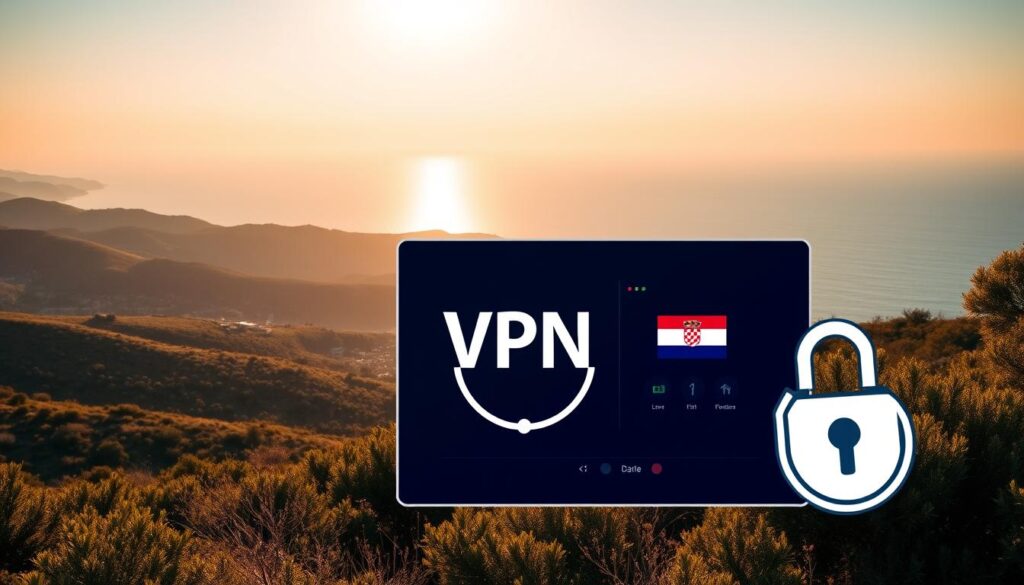
A Virtual Private Network (VPN) is simple: it encrypts your internet and sends it through a server. This makes your IP address hidden and shows a different location. It also keeps your data safe from hackers on public Wi-Fi.
For streaming Croatian TV, you need to connect to a Croatian server. This way, streaming sites like HRT, Nova TV, or RTL see you as coming from Croatia. You can also use servers in other countries to watch U.S., U.K., or Canadian content.
Using an iptv vpn is different from a regular VPN. IPTV delivers TV over the internet, while a VPN protects your privacy. Think of it as a tool to unlock and protect content.
Here’s how to do it: pick a good provider like NordVPN, ExpressVPN, or Surfshark. Install the app, connect to a server, and then open the broadcaster’s site. If you still can’t watch, try clearing cache, changing servers, or asking for help.
Remember, using a VPN for streaming is legal in most places. But, some countries might have rules. Always check the laws before using a VPN.
| Feature | Why it matters for streaming Croatian TV | What to check |
|---|---|---|
| Server location | Grants access to Croatia‑only channels and regional catalogs | Look for multiple Croatian servers and low latency |
| Encryption & privacy | Keeps your viewing private on public Wi‑Fi and home networks | 256‑bit AES, kill switch, no‑logs policy |
| Speed & bandwidth | Smooth playback without buffering or quality drops | High speeds, unlimited bandwidth, streaming‑optimized servers |
| Device support | Works across phones, smart TVs, routers and set‑top boxes | Native apps for Windows, macOS, Android, iOS and router guides |
| Customer support | Helps when a broadcaster still blocks access | 24/7 live chat and clear setup guides for VPN for Croatian TV |
IPTV vs. VPN
Deciding how to watch Croatian TV abroad depends on your needs. IPTV delivers channels and on-demand shows. VPN secures your connection and makes it seem like you’re in Croatia. Knowing the differences helps choose the best option for travel, work, or long stays.
Primary differences in function and purpose
IPTV streams live TV and VOD over the internet. It focuses on delivering content. VPNs encrypt your traffic, change your IP, and protect your privacy. They are mainly for security and hiding your location.
IPTV works without a VPN if your provider allows it. But, a VPN is needed to access content blocked by location checks. This is the main difference IPTV VPN users should consider.
Pros and cons for watching Croatian TV abroad
IPTV pros include direct access to Croatian channels. It often has optimized streams and apps for smart TVs and set-top boxes. Official IPTV packages offer low latency and reliable quality.
IPTV cons include illegal or unstable third-party services. Even legal providers may block foreign IPs. Setup can require compatible devices and ongoing subscription management, adding complexity.
VPN advantages include unblocking geo-restricted content and international catalogs. Top VPNs like NordVPN, Surfshark, and ExpressVPN have Croatian servers for streaming. A VPN also secures your connection on public Wi-Fi.
VPN drawbacks include possible speed loss and being blocked by some platforms. Router setup or SmartDNS alternatives can be technical for many users.
When to combine IPTV and VPN
Use IPTV and VPN together when official IPTV subscriptions have location limits. Connect to a Croatian VPN server to make your IPTV service think you’re local. This keeps your streams stable while watching Croatian TV abroad.
For third-party IPTV services, a VPN adds privacy but doesn’t make pirated content legal. Always use reputable providers and official packages to avoid legal issues.
Pairing a VPN with SmartDNS offers speed and location spoofing for devices without VPN apps. This is great for smart TVs and game consoles that need easy setup.
| Feature | IPTV | VPN |
|---|---|---|
| Primary role | Content delivery of live TV and on-demand streams | Privacy, encryption, and IP location masking |
| Best for | Direct access to Croatian channels with official packages | Unblocking geo-restricted streams and protecting connections |
| Quality & latency | Often optimized for TV, lower latency with official services | May reduce speed; depends on server distance and load |
| Legal risk | High for third-party illegal providers; low for licensed services | Low when used legally; does not legalize pirated IPTV |
| Ease of setup | May require compatible apps or set-top boxes | Simple apps for phones and PCs; router setup is harder |
| Recommended use | Subscribe to official IPTV to watch Croatian TV abroad with stable streams | Use a reliable VPN like NordVPN or ExpressVPN to access geo-blocked services and protect privacy |
Best VPNs and settings for streaming Croatian TV
Choosing the right service is key for watching Croatian channels abroad. Look for a provider that offers speed, privacy, and ease of use. This ensures you can watch live matches and news without interruptions.
Here are some top picks and tips for setting up your devices for smooth streaming.
Top recommended VPNs
NordVPN has thousands of servers, including many in Croatia. It also supports SmartDNS Croatia for devices without apps. Surfshark is great for families and travelers with its unlimited connections and Croatian servers. ExpressVPN is known for its fast speeds and MediaStreamer SmartDNS for smart TVs and consoles.
CyberGhost has many Croatian servers and streaming-optimized profiles for popular services. IPVanish operates servers in Zagreb and works well with local channels like Nova TV and HRT 1. PrivateVPN has a smaller but fast network for reliable unblocking.
Optimal VPN settings for smooth streaming
Use fast protocols like WireGuard or Lightway when you can. OpenVPN UDP is a good choice for speed. Switch to TCP if you see frequent dropouts.
Choose servers in Croatia for local channel access. Use streaming-optimized or low-load servers to reduce latency.
Enable the kill switch and DNS leak protection to prevent accidental IP exposure. Turn off double-hop or extra obfuscation if speed is more important than anonymity.
Aim for at least 5–10 Mbps for HD streams and 25+ Mbps for 4K. Test speeds before settling on a server.
SmartDNS, router setup, and streaming devices
SmartDNS Croatia options like NordVPN SmartDNS or ExpressVPN’s MediaStreamer let smart TVs and consoles reach geo-blocked streams without full encryption. This gives better raw speed while sacrificing some privacy.
For whole-home coverage, a router VPN setup is best. Install a supported firmware like DD-WRT, Tomato, or the provider’s native router app. Then, point the router to a Croatian server. This protects all connected devices and works for set-top boxes and older smart TVs.
If your device lacks a native app, share a VPN connection from a laptop or phone via hotspot or Ethernet. Use provider apps on Windows, macOS, Android, iOS, Android TV, Amazon Fire TV, and Linux when possible.
Troubleshooting tips
Clear browser cache and cookies after switching servers. Try alternate Croatian servers when a stream remains blocked. Reach out to 24/7 live chat support if you face repeated blocks; providers like NordVPN and ExpressVPN offer quick help.
| Provider | Croatian servers | SmartDNS | Simultaneous devices | Standout features |
|---|---|---|---|---|
| NordVPN | Multiple servers in Croatia | Yes (SmartDNS Croatia) | 6 | P2P servers, Double VPN, strong privacy |
| Surfshark | Servers in Croatia | No dedicated SmartDNS listed, works with apps | Unlimited | MultiHop, camouflage mode, great value |
| ExpressVPN | Servers in Croatia | MediaStreamer (SmartDNS) | 8 | Lightway protocol, top speed, 24/7 chat |
| CyberGhost | 50+ servers in Croatia | No, app-based solutions | 7 | Streaming-optimized servers, long refund |
| IPVanish | Servers in Zagreb | No | Unlimited | Works with Nova TV and HRT 1, zero-logs |
| PrivateVPN | Limited network, Croatian access | No | 10 | Fast unblocking, small footprint |
Risks, ethics, and legality of IPTV and VPN use
Using IPTV and VPNs to watch Croatian channels has its perks and downsides. It’s important to know the legal risks of IPTV, especially when streams are from unauthorized sources. Pirate IPTV providers might share copyrighted material without permission.
This can lead to legal trouble, like takedown notices or account bans. It’s crucial to be aware of these risks.
VPN legality in Croatia is generally clear. Most people can use VPNs for privacy and secure access. The same goes for the United States and much of the EU. However, some countries restrict or ban VPNs, so always check local laws before traveling.
Using a VPN to bypass regional blocks can also violate a platform’s terms of service. This might result in account suspensions.
Consider the ethics of IPTV use when picking a service. Choosing licensed apps from HRT, Nova TV, or RTL supports creators and funds new content. Official streams are safer and help the industry grow.
On the other hand, relying on unverified third-party playlists can harm broadcasters and deny them revenue. It’s better to support creators and their work.
When comparing IPTV and VPN strategies, remember security and privacy. Paid VPNs from NordVPN, ExpressVPN, or Surfshark offer encryption and protect your data. Free VPNs might log or sell your information and fail to unblock content.
SmartDNS can speed up streaming but doesn’t encrypt traffic or offer privacy benefits. It’s important to choose wisely.
Here are some practical steps to avoid streaming legality issues in Croatia:
Prefer official broadcaster apps and authenticate with a home subscription when possible. If you choose a VPN, pick providers with independent audits and clear privacy practices. When using IPTV, verify sources, avoid unknown repositories, and keep devices updated to lower malware risk.
Below is a short comparison to help readers weigh options and risks.
| Topic | Licensed IPTV / Official Apps | Third-party IPTV | VPN |
|---|---|---|---|
| Legal standing | Compliant with rights holders and local laws | Risk of copyright infringement and takedowns | Generally legal in Croatia; may breach terms of service |
| Ethics | Supports creators and broadcasters | Deprives rights holders of revenue | Neutral ethically if not used to commit infringement |
| Security | Stable, lower malware risk with official apps | Higher risk of malware, phishing, or unstable streams | Encrypts traffic if a reputable provider is used |
| Privacy | Depends on app policies and provider | Unknown logging and data handling | No-logs VPNs protect identity and browsing data |
| Performance | Optimized for quality and reliability | May be inconsistent or shut down | Can slow speed; SmartDNS is faster but not private |
In short, balance convenience with caution. Learn the legal risks of IPTV, confirm VPN legality in Croatia before travel, and consider the ethics of IPTV use. Thoughtful choices protect your device, privacy, and respect for Croatian creators while streaming abroad.
Conclusion
IPTV and VPN serve different purposes. IPTV brings Croatian channels and on-demand content. A VPN, on the other hand, offers privacy and makes it seem like you’re in Croatia.
For travelers and expats, the best approach is to use official apps or licensed IPTV services. Pair these with a reputable VPN when access is blocked.
If you have a licensed Croatian subscription, use the broadcaster’s IPTV app or web portal. Connect through a Croatian VPN server from providers like NordVPN, Surfshark, or ExpressVPN. CyberGhost, IPVanish, or PrivateVPN are also good options.
When a device can’t run a VPN app, consider SmartDNS or a router install. Sharing a VPN connection from a laptop or phone can also help keep streams smooth and secure.
Stay away from third-party pirate IPTV services. They can be illegal and risky. Choose a VPN with fast speeds, strong encryption, and good support. Test it during the provider’s money-back window.
In short, the choice between IPTV and VPN for watching Croatian TV abroad depends on what you need. For official content and legality, use IPTV with a VPN. For privacy or location spoofing, a strong VPN is enough.