Croatian IPTV on Android phones – setup and guide

Can your Android phone replace the living room set-top box and stream Croatian channels with the same quality and reliability?
This guide covers the basics of Croatian IPTV and how to get started. It’s for anyone watching NOVA IPTV Android or other Croatian services. You’ll learn about setting up Android IPTV, logging in, and avoiding buffering.
Discover which Android apps to use, how to set up Xtream Codes API or M3U playlists, and the specs needed for smooth streaming. We aim to make your phone ready to stream Croatian channels and on-demand content with ease.
Key Takeaways
- Croatian IPTV on Android gives mobile access to Croatian TV, including NOVA IPTV Android offerings.
- Basic Android IPTV setup requires a compatible player app and either Xtream Codes API or an M3U playlist.
- Stable Wi‑Fi and a modern Android phone make a big difference in playback quality.
- Activation emails usually contain the exact login details you need—keep them handy.
- This guide focuses on practical steps for XCIPTV, TiviMate, and IPTV Smarters Pro on Android.
Why choose Croatian IPTV on Android phones
Watching Croatian channels on an Android phone is great for those who want live TV and on-demand video in one place. It’s portable, so you can keep up with local news, sports, and entertainment anywhere in Croatia. Mobile IPTV Croatia lets you enjoy your favorite shows on the go without losing quality.
Android has a wide range of apps, like XCIPTV and IPTV Smarters Pro. These apps offer program guides, playlists, and parental controls on phones and tablets. You can use the same subscription on different devices, making it a big advantage of Croatian IPTV.
Being able to watch anywhere is a big plus. You can stream live sports or a movie while out and about. The variety of apps and support for different devices are big advantages for families and travelers.
What makes NOVA IPTV and other Croatian services stand out
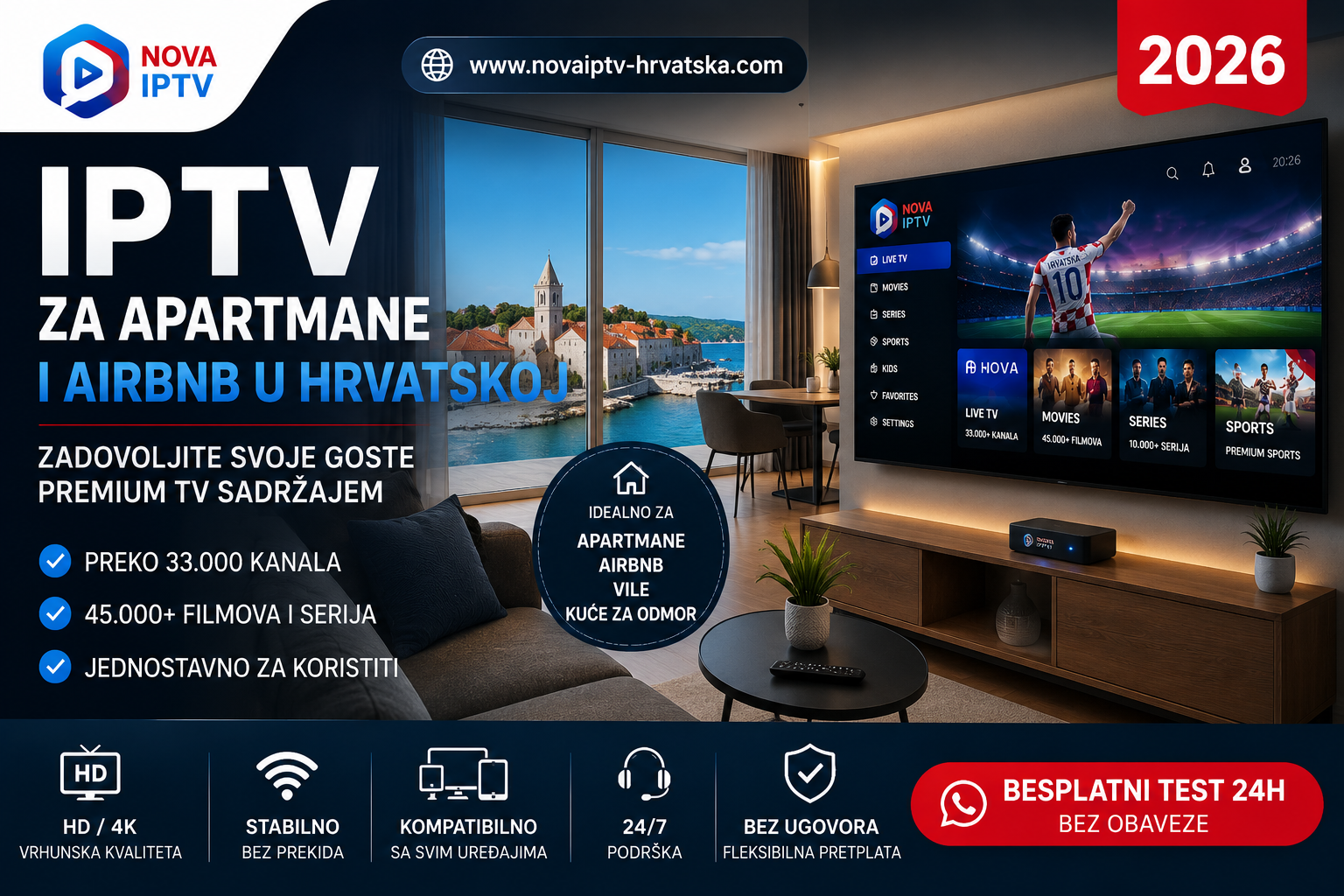
NOVA IPTV has a huge library of content, with thousands of live channels and tens of thousands of movies and series. They focus on stable servers and tech to prevent buffering, ensuring smooth streams. You can watch on Android phones, iOS, smart TVs, and desktops, making it easy to switch between devices.
Providers highlight their uptime and user satisfaction to show they’re reliable. This is important for uninterrupted live sports or news. The wide range of features and content is what people like most about these services.
Minimum technical requirements for smooth playback
Good playback starts with a fast network. The needed bandwidth varies by resolution: SD needs 5–10 Mbps, HD 720p needs 10–25 Mbps, and Full HD 1080p needs 20–50 Mbps. 4K can require 30–100+ Mbps.
NOVA IPTV suggests a 16 Mbps baseline for standard viewing and more for HD or 4K. Use Ethernet or a strong Wi-Fi connection to avoid interruptions.
For devices, choose a recent Android OS with enough RAM and CPU for HD or 4K streams. Make sure you can access the Play Store for official apps or be ready to sideload if needed. These steps help you enjoy Croatian IPTV with little to no buffering.
Preparing your Android phone for Croatian IPTV
Before you start streaming, take a few easy steps to get your Android ready for IPTV. This ensures smooth and reliable playback. A quick check of your device, apps, and network helps avoid buffering and login issues when watching Croatian channels.
Make sure your phone has the latest Android version and enough RAM and CPU for the quality you want. Older devices might struggle with HD streams. For the best experience with Croatian IPTV, choose phones from Samsung, Google Pixel, or Xiaomi with at least 3–4 GB RAM.
Look for trusted IPTV apps in the Google Play Store like XCIPTV, TiviMate, and IPTV Smarters Pro. Use official Play Store apps to avoid security risks. If you need an APK, enable Install unknown apps only for a trusted installer in Settings > Apps > Install unknown apps.
Network and performance tips
Use a stable Wi‑Fi connection or a mobile plan with consistent speeds. For HD and above, home broadband or 4G/5G is best. Test your network speed with a simple speed test before watching.
If you see buffering, try a lower stream resolution or choose a provider with adaptive bitrate. Reboot your router, switch to Ethernet, and close background apps to improve performance. These steps often solve lag without needing technical help.
Subscription details and what to expect in your activation email
After subscribing, you’ll get an activation email with details like Xtream Codes API or an M3U/playlist URL. The email will also list your subscription length, device limits, and supported formats.
Read the activation instructions carefully and check your inbox and spam folder for portal links or APK recommendations. If using a set‑top box, have your MAC address ready for activation to avoid delays.
Step-by-step setup: install and configure popular IPTV players
Setting up Croatian IPTV on an Android phone is easy with a good guide. First, pick the right player. XCIPTV, TiviMate, and IPTV Smarters Pro meet different needs. They range from simple playlists to apps with EPG and VOD.
XCIPTV setup on Android phones
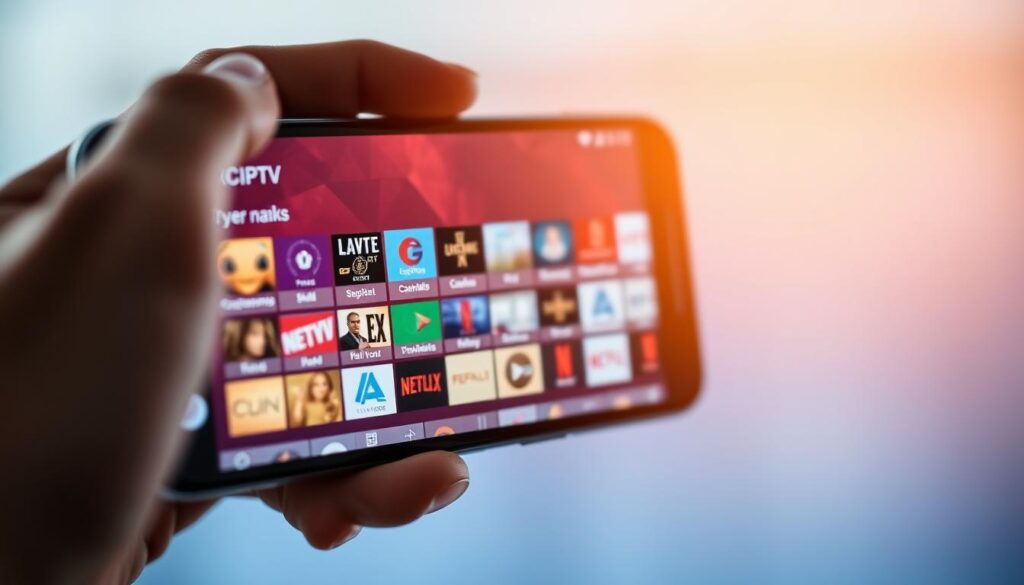
Get XCIPTV from the Google Play Store and open it. Choose Xtream Codes API for login. Enter your username, password, and API URL from your email. Wait for channels and EPG to load.
XCIPTV supports channel groups and catch-up if your provider offers it.
TiviMate (playlist-based) setup on Android
Download TiviMate from the Play Store. It works on Android phones and Android TV. Tap Add playlist and enter the M3U URL from your email. Confirm and wait for channels and guide entries to load.
TiviMate works well with good M3U links. It offers a nice program guide and channel layout.
IPTV Smarters Pro considerations for Android (and sideloading notes)
IPTV Smarters Pro might not be in Google Play for all devices. For Android phones, download the APK from the vendor if needed. On Fire TV and similar devices, use Downloader and enable unknown sources before getting the APK.
After installing, log in with Xtream Codes credentials from your email.
Tips for logging in with Xtream Codes API vs M3U/playlist
Use Xtream Codes API for full features like user authentication, EPG, VOD, and catch-up. Apps like XCIPTV and IPTV Smarters Pro are best with API credentials. Use a playlist (M3U) if your provider only gives a URL or if TiviMate needs it.
If your email has both options, choose API for the best experience. Use M3U when necessary.
Match the login type to the app with this guide. Clear credentials and the right method speed up setup and reduce buffering. If channels don’t show, check the API URL or playlist link. Try restarting the app.
Troubleshooting, performance optimization, and advanced tips
Start here when a stream fails or playback is unstable. The short checklist below helps with quick fixes and keeps your Croatian IPTV on Android phones running smoothly.
- Channels not loading: copy the Xtream Codes API credentials or M3U URL exactly from your activation email. Check the spam folder for portal links before contacting support.
- App installation issues: prefer Google Play installs. For sideloaded APKs, enable installation from unknown sources and re-download if the file looks corrupted.
- STB or portal errors: confirm the MAC address activation with your provider and verify the portal URL entry to avoid blocked set-top behavior.
Improving playback and reduce buffering IPTV
- Lower stream resolution or use adaptive bitrate streams when available to reduce buffering IPTV on congested networks.
- Switch to 5 GHz Wi-Fi, move closer to the router, or use Ethernet on devices that support it. Pause other heavy downloads or streaming on the same network.
- Clear the app cache, restart the app or phone, and keep players up to date to fix intermittent lag.
Using EPG croatian iptv, IPTV recording Android, and multi‑device access
- Choose players that support EPG croatian iptv such as XCIPTV, IPTV Smarters, or TiviMate to view program guides and schedule recordings.
- When IPTV recording Android is offered, check app permissions and available storage before scheduling. Use EPG-based recording where the app supports it for accurate timing.
- Confirm provider device limits for simultaneous streams. NOVA IPTV and similar services typically allow multiple device types: phones, tablets, smart TVs, and PCs.
Security and legal IPTV Croatia considerations
- Choose licensed services like NOVA IPTV to stay within legal IPTV Croatia frameworks and get stable, supported access with secure payment options.
- Protect your Xtream Codes API username, password, and playlist URLs. Store credentials in a password manager and avoid sharing logins.
- Avoid suspicious free streams that risk malware or account theft. Prefer providers with clear payment methods and customer support.
| Issue | Quick fix | When to contact provider |
|---|---|---|
| Channel list missing | Re-enter M3U/Xtream details from activation email and restart app | No change after re-entry and cache clear |
| Frequent buffering | Lower resolution, use 5 GHz Wi‑Fi, or wired connection | Persistent buffering on multiple networks |
| EPG not showing | Switch to an EPG-capable player and refresh guide data | EPG missing for many channels despite using supported player |
| Recording fails | Check app storage permission and free space; schedule via EPG | Recording fails across devices or shows corrupted files |
| Account blocked | Verify MAC activation or device limits; reset credentials if needed | Provider reports policy breach or repeated authentication errors |
Conclusion
This Croatian IPTV conclusion wraps up the key steps from this setup guide Android IPTV. First, prepare your Android phone. Check if the Play Store has the app or if you need to enable sideload permissions. Also, make sure your network speed is good and have your activation email ready.
Next, use your login details to start. You’ll need a username, password, and either an API URL or an M3U playlist URL. This will help you get started quickly and securely.
For the best experience, choose the right player. XCIPTV is great with Xtream Codes API. TiviMate is perfect for M3U playlists. IPTV Smarters Pro works well where sideloading is supported.
Make sure your internet speed matches the stream resolution you choose. This will help reduce buffering. If you run into problems, use the troubleshooting tips from earlier to fix them.
NOVA IPTV recap: NOVA IPTV is a top choice for Android users in Croatia. It offers a large channel and VOD library, strong uptime, adaptive streaming, and supports multiple devices. It’s reliable and easy to use.
Remember, always choose official providers. If Xtream Codes API is available, use it. And always follow security and legal guidelines to ensure a smooth viewing experience.