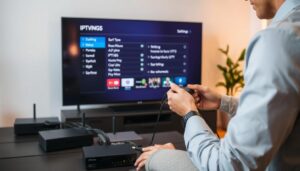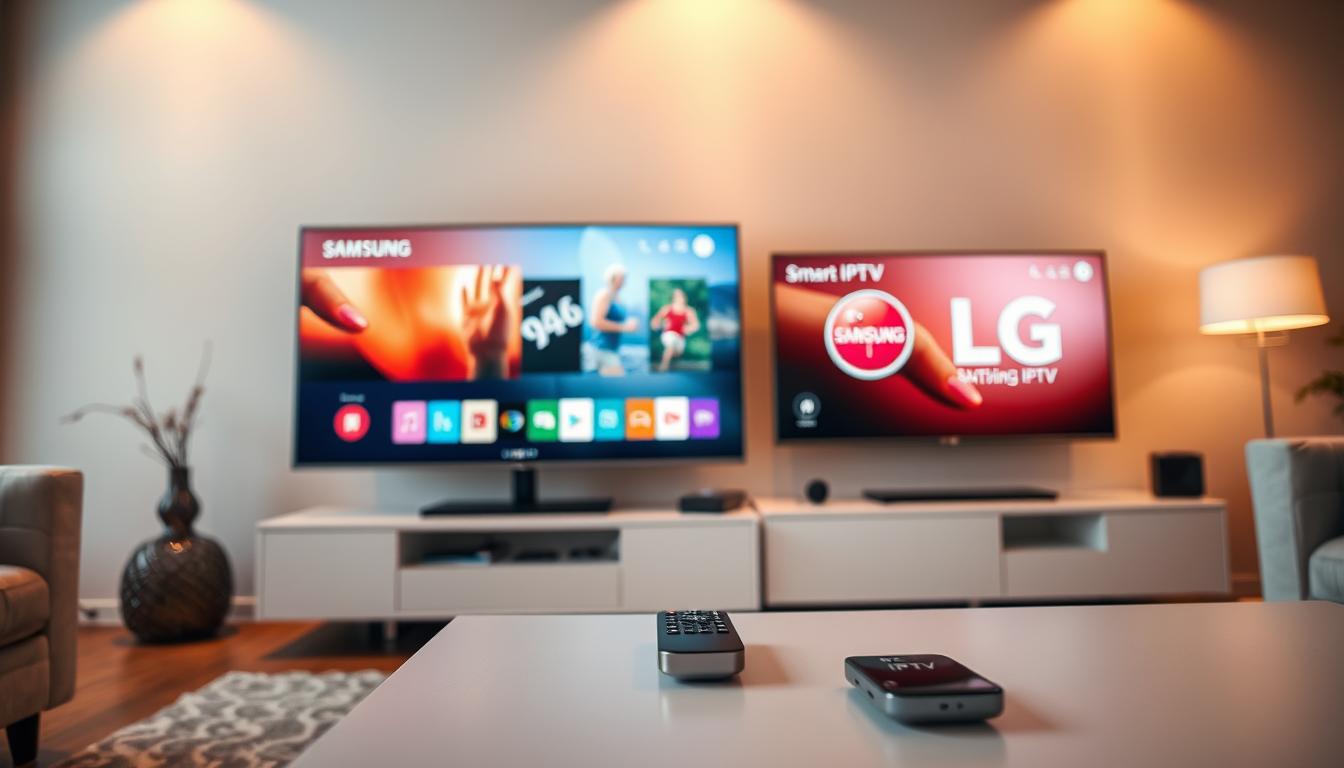
Can I use Smart IPTV on Samsung or LG TV?

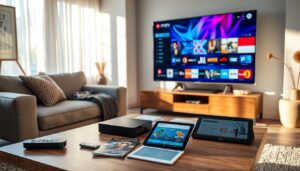
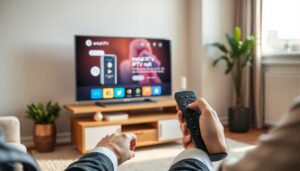
Are you fed up with traditional cable TV? Looking for something more flexible? Smart IPTV might be what you need. It’s changing the game for smart TV owners in Croatia, especially on Samsung and LG TVs.
Smart IPTV is a top-notch streaming app. It lets users get a wide range of content from the internet. With more digital entertainment choices, it’s a new way to watch your favorite shows on smart TVs.
What makes smart IPTV great is how easy it is to use. It works on both Samsung and LG smart TVs. This opens up a whole new world of streaming, beyond what traditional TV offers.
Key Takeaways
- Smart IPTV works on multiple smart TV platforms
- Access extensive content libraries instantly
- Compatible with Samsung and LG smart TVs
- Offers flexible streaming options
- Easy installation process for users
Understanding IPTV and Its Benefits for Smart TVs
Smart IPTV has changed how we watch TV, offering a modern alternative to old TV ways. It uses the internet to bring top-notch shows right to your smart TV.
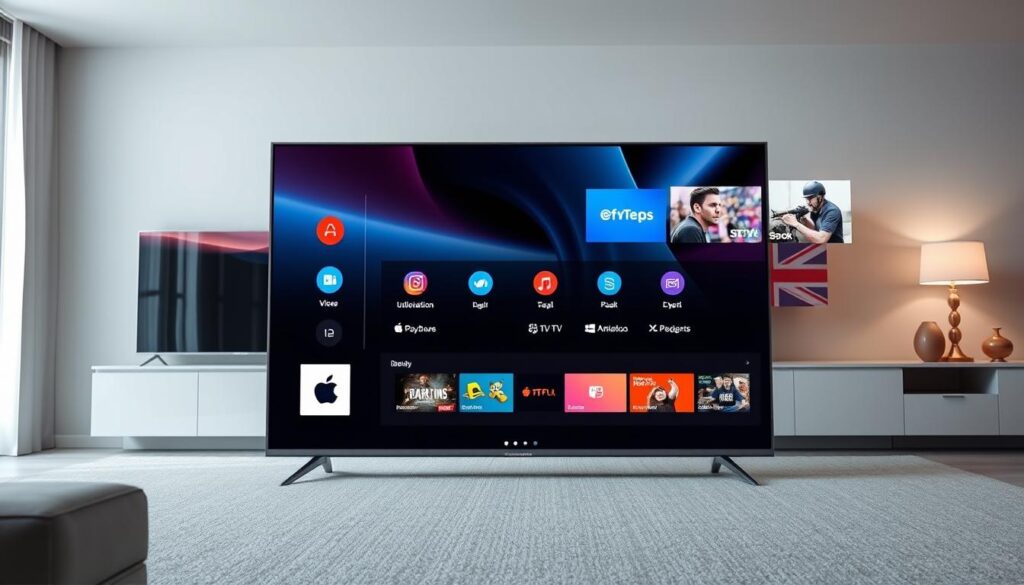
Internet Protocol Television (IPTV) changes how we get and watch media. It streams shows and videos over the internet. This gives users more freedom and ease.
What Sets IPTV Apart from Traditional TV
- Delivers content via internet protocol
- Allows on-demand streaming
- Provides access to global content
- Supports multiple device connections
Advantages of IPTV on Smart TVs
Smart IPTV brings many benefits to watching TV today:
- Wider Content Selection: Access thousands of channels worldwide
- Personalized Viewing: Create custom channel lists
- Interactive Features: Pause, rewind, and record live TV
Cost-effectiveness and Flexibility
Smart IPTV is better than old cable TV in many ways. You can pick what you want to watch, saving money and enjoying more freedom.
“Smart IPTV represents the future of television consumption, putting viewers in control of their entertainment experience.”
Smart IPTV Compatibility with Samsung and LG TVs
Smart IPTV is now a favorite for many TV watchers. Samsung and LG smart TVs work well with it. This means users get lots of entertainment choices.
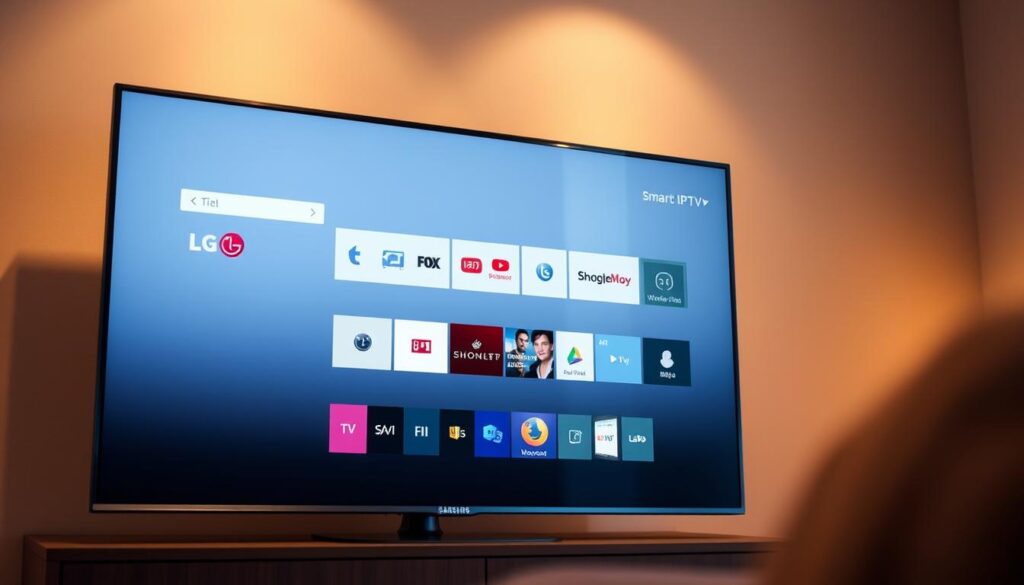
Many new Samsung and LG smart TVs can use smart IPTV. This is thanks to their app stores. But, there are a few things to check:
- TV operating system version
- Smart TV model year
- Internet connectivity
- Available storage space
Samsung TVs with Tizen OS from 2016 on can get smart IPTV apps. LG TVs with WebOS from 2015 also work well with smart IPTV.
To make sure your TV works well with smart IPTV, do these things:
- Look up your TV’s model details
- Check your TV’s operating system version
- Make sure your internet is stable
- Update your TV’s firmware to the newest version
Smart IPTV changes how we watch TV. It lets users easily find lots of content on their Samsung or LG smart TVs.
Essential Requirements Before Installation
Getting ready for smart IPTV installation needs careful planning and specific tech checks. Your success depends on meeting key prerequisites for smooth streaming and top performance.
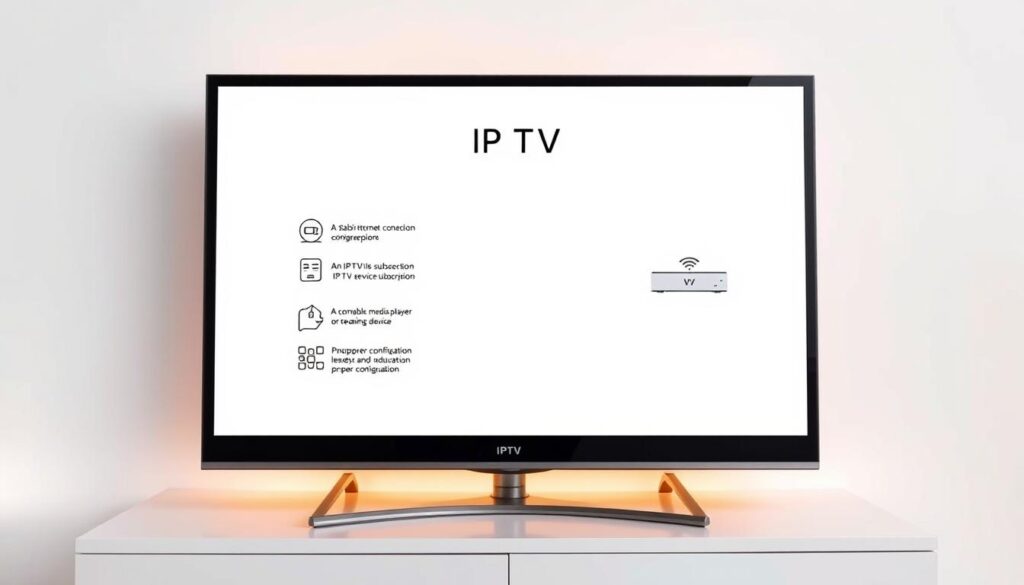
Before starting the smart IPTV setup, you must check a few critical things. These ensure a smooth viewing experience.
Internet Connection Specifications
A strong internet connection is key for smart IPTV streaming. You’ll need:
- Minimum download speed of 10 Mbps
- A stable and consistent internet connection
- Preferably a wired ethernet connection
- A low latency network
Device Compatibility Checklist
Not all devices work well with smart IPTV. Make sure your device meets these specs:
- A smart TV with recent firmware
- Sufficient internal storage
- A compatible operating system
- HDMI ports for external devices
Subscription Preparation
Picking the right smart IPTV subscription is key. Look for providers that offer:
- Reliable channel selections
- Support for multiple devices
- High-quality streaming
- Responsive customer service
Pro Tip: Always test your internet speed and device compatibility before buying an IPTV subscription.
Downloading and Installing Smart IPTV App
Starting with smart IPTV on your Samsung or LG smart TV is easy. The steps to install depend on your TV model and app store options.
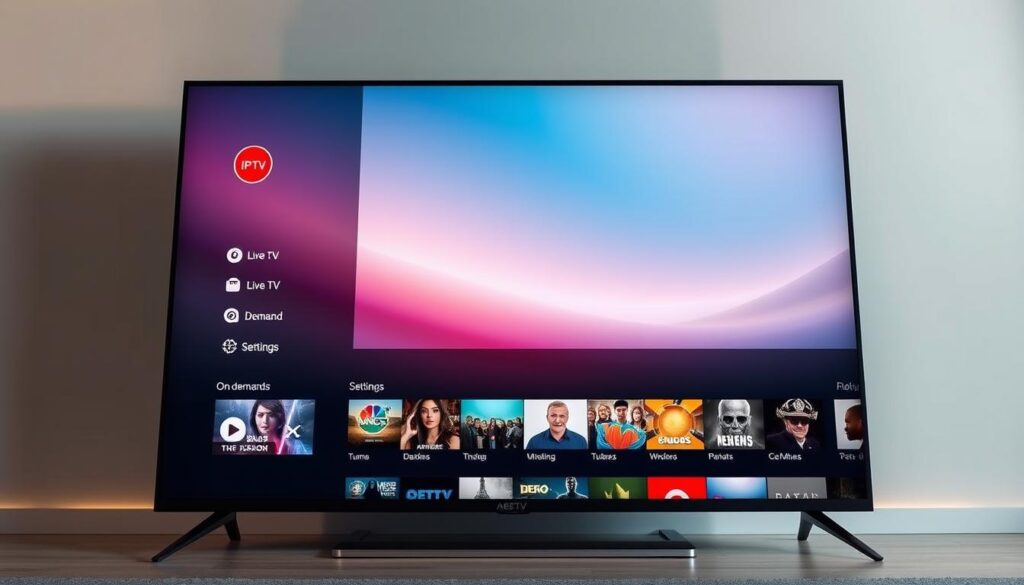
- Direct App Store Download
- Sideloading via Alternative Methods
- Using Third-Party Applications
To download smart IPTV from the app store, follow these steps:
- Navigate to the TV’s app store
- Search for “Smart IPTV”
- Click “Install” or “Download”
- Wait for the installation to complete
If your TV can’t access the app store, try sideloading. You can use the Downloader app or a web browser. These methods need some tech know-how but are easy for most.
Make sure your TV model supports smart IPTV before you start. This ensures a smooth installation process.
Setting Up Your Smart IPTV Service
Setting up your smart IPTV service needs careful steps. You’ll follow a few key steps to stream smoothly on your smart TV. Let’s go through the main setup methods to get your IPTV service working well.
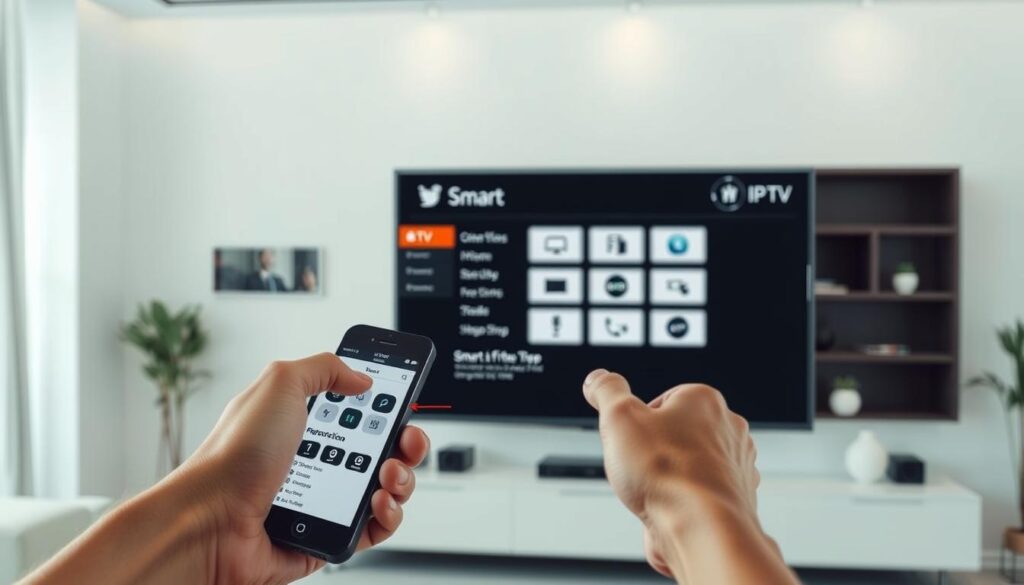
Before starting the smart IPTV installation, gather important info from your provider. You’ll need specific details for a successful setup.
MAC Address Configuration
Finding your device’s MAC address is the first step. Here’s how to do it:
- Navigate to your TV’s network settings
- Find the MAC address in system information
- Record the unique identifier carefully
- Verify the MAC address with your IPTV provider
M3U Playlist Integration
Integrating your M3U playlist needs precision and the right format. Your IPTV provider will give you a playlist link. This link connects your service to channels.
- Get the M3U playlist URL from your provider
- Access your smart IPTV application settings
- Put the playlist URL in the right section
- Check if the playlist connects well
Portal URL Setup
The portal URL is your gateway to smart IPTV. Setting it up right ensures smooth streaming and access to content.
“A correctly configured portal URL is the key to unlocking your IPTV experience.” – IPTV Technical Guide
Setting up your smart IPTV service changes how you watch TV. It opens a world of entertainment right at your fingertips.
Configuring Video Playback Settings
Smart IPTV lets users tweak video playback settings for a better viewing experience. Knowing how to adjust these settings can make your streaming quality and entertainment better.
When you’re setting up smart IPTV, pay attention to a few important areas:
- Aspect Ratio Adjustment: Make sure your content looks right on your screen
- Buffer Size Management: Cut down on buffering and make streaming smoother
- Video Quality Selection: Pick the best resolution for your internet speed
The key playback settings in smart IPTV are:
- Screen Scaling Options
- Decoder Preferences
- Audio Synchronization
- Subtitle Configuration
Professional tip: Try out different settings to find what works best for you. Every TV and internet connection is different, so you might need to adjust settings for the best streaming.
Pro Recommendation: Start with a moderate buffer setting and tweak it as needed based on your network.
Smart IPTV users can find these settings in the app’s configuration menu. This lets you customize your streaming to fit your preferences and device capabilities.
Managing Channel Lists and Favorites
Smart IPTV lets you customize your viewing experience. You can organize channels to fit your tastes. This makes your entertainment hub truly yours.
Dealing with many channels can feel like a lot. Smart IPTV has tools to make it easier. These tools help you enjoy your shows more.
Creating Custom Playlists
Custom playlists change the game for smart IPTV users. They let you pick content you love:
- Group favorite sports channels
- Create movie night collections
- Organize international news networks
- Compile genre-specific entertainment lists
“Personalization is key to an exceptional smart IPTV experience.” – Digital Entertainment Experts
Organizing Channels by Category
Smart IPTV makes organizing channels easy. You can sort them by:
- Language preferences
- Content type
- Regional availability
- Personal viewing habits
Pro tip: Update and refine your channel categories often. This keeps your smart IPTV setup top-notch.
Troubleshooting Common Smart IPTV Issues
Smart IPTV users sometimes face technical problems that can stop their streaming. Knowing how to find and fix these issues quickly is important. It helps keep your entertainment smooth.
Most smart IPTV problems come from a few main areas: network, device setup, and service issues. Finding the main cause is key to solving the problem.
- Buffering and Playback Interruptions
- Check your internet speed (it should be at least 10 Mbps)
- Restart your router and smart IPTV device
- Close apps that use a lot of bandwidth
- Login Authentication Failures
- Make sure your subscription is active
- Double-check your login details
- Reset your password if needed
- Channel Loading Problems
- Refresh your M3U playlist
- Check if your portal URL is set up right
- Ask your service provider for playlist updates
If problems keep happening, it’s best to contact your smart IPTV service provider’s tech support. They can offer specific help.
| Issue Type | Quick Fix | Advanced Solution |
|---|---|---|
| Buffering | Restart Device | Upgrade Internet Plan |
| Login Error | Check Credentials | Contact Support |
| No Channel Load | Refresh Playlist | Reconfigure Portal |
Pro tip: Regular software updates and stable internet are crucial to avoid most smart IPTV problems.
Advanced Features and Customization Options
Smart IPTV offers more than just streaming. It has advanced features that make watching shows better. These tools give viewers control and personalization like never before.
The platform gives users powerful options. These make watching content easier and more fun. Viewers can make their entertainment space truly their own.
Electronic Program Guide (EPG) Integration
EPG integration is a big deal for smart IPTV users. It offers a detailed guide with:
- Current and upcoming program schedules
- Detailed channel information
- Program descriptions and ratings
- Time-based search capabilities
Multi-Device Support
Smart IPTV works on many devices. You can watch your favorite shows on:
- Smart TVs
- Smartphones
- Tablets
- Computers
Your preferences and channel lists stay the same on all devices. This makes your viewing experience smooth and consistent.
Pro Tip: Always ensure your devices are connected to a stable internet connection for optimal smart IPTV performance.
Security and Legal Considerations
Smart IPTV requires careful attention to security and legal aspects. Users must understand the risks and responsibilities. This ensures a safe viewing experience.
When choosing a smart IPTV service, consider these critical security factors:
- Verify the legitimacy of the IPTV service provider
- Protect personal and payment information
- Use secure network connections
- Check for proper content licensing
Legal considerations are key in smart IPTV usage. Not all streaming content is created equal. Some providers may offer copyrighted material without proper permissions. This can lead to legal complications.
Key legal recommendations include:
- Research the legal status of IPTV services in your region
- Confirm content rights and distribution agreements
- Avoid services with questionable content sources
- Prioritize licensed and authorized streaming platforms
Protecting your digital privacy is crucial when using smart IPTV. Consider using a reliable VPN service. This enhances your online security and maintains anonymity while streaming.
Remember: Your digital safety is as important as the entertainment you enjoy.
Conclusion
Smart IPTV is a game-changer for Samsung and LG TV users. It opens up a new world of entertainment beyond cable and satellite. With this technology, you can access global channels, on-demand shows, and tailor your viewing experience.
Setting up smart IPTV needs some prep work. You’ll need stable internet, the right device, and to know how to set it up. If you take the time to learn, you’ll get a top-notch entertainment system. It turns your smart TV into a hub for all your media.
Smart IPTV is a big leap towards better TV experiences. It might seem tricky to set up, but the benefits are worth it. You get more content and control over what you watch.
As streaming tech gets better, smart IPTV will too. We can expect new features and easier use. For those eager to explore, smart IPTV is a great way to enhance your TV time.